How to Do the AI Halloween Trend (Step by Step)
Step-by-step guide to making the bare-face-to-costume AI Halloween trend video for TikTok and Reels, with tips for selfies, looks and posting.
What you need
The AI Halloween trend needs only one thing from you: a clear selfie. Everything else — the makeup, the costumes, the backgrounds and the beat-synced editing — is done by AI. Choose a photo where your face is front-facing, well lit and not covered by sunglasses, hands or hair. Bare skin or light makeup gives the strongest before-and-after effect, which is what makes viewers stop scrolling.
Step 1: choose your set of looks
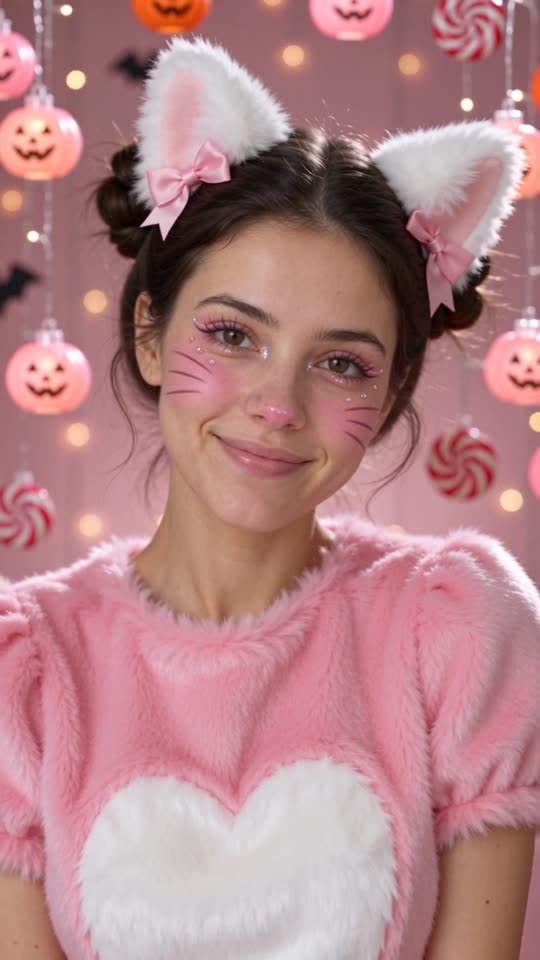
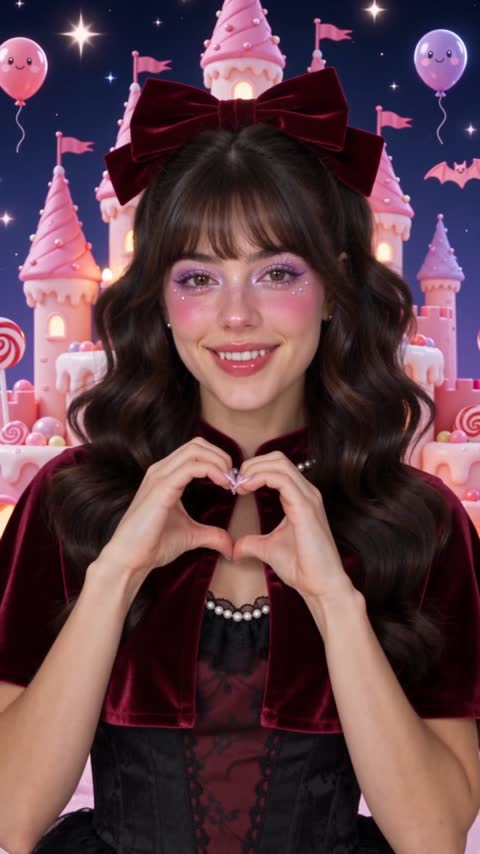
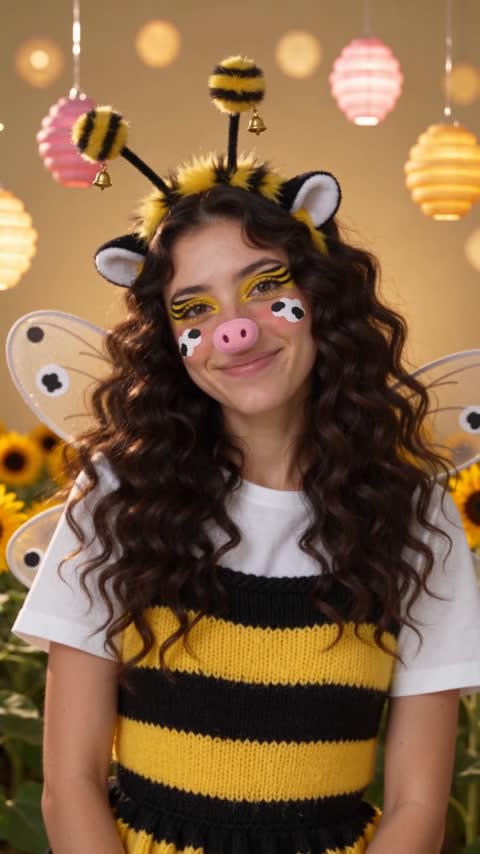
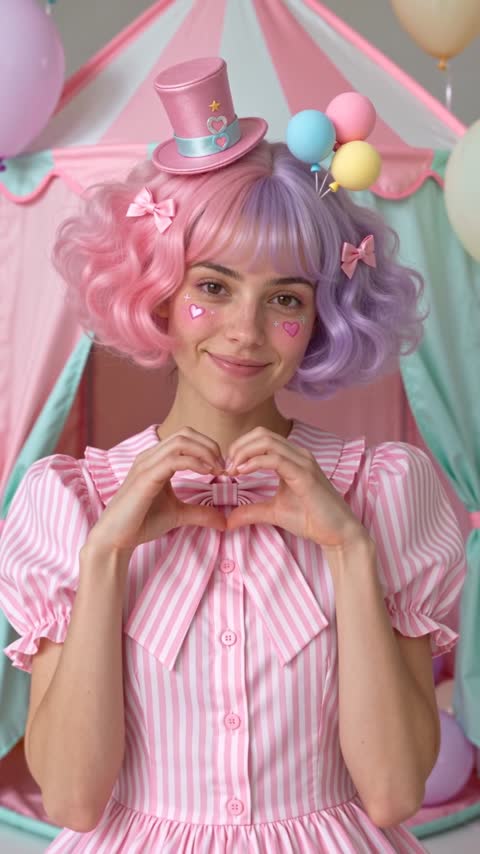
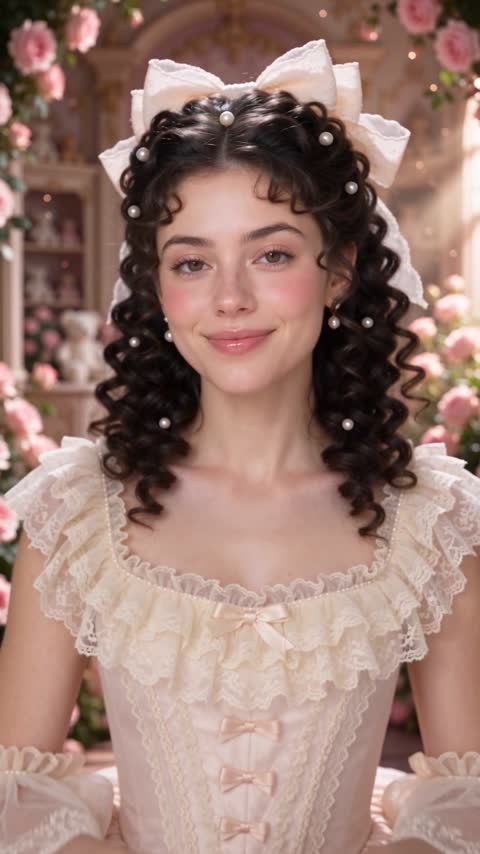
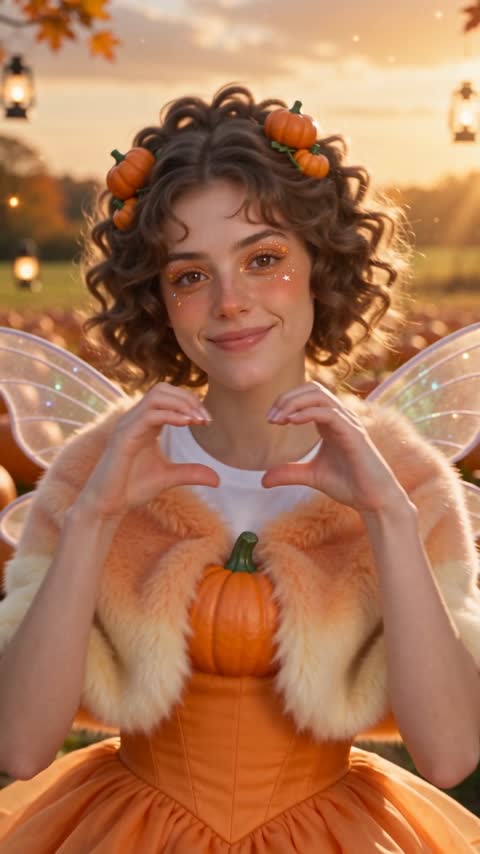
Every page on this site has a fixed set of three looks. The home page uses a kitty, a fawn and a ladybug. If you prefer something darker but still pretty, the cute vampire page is a good pick. Witch, clown, doll, bee and cow, and classic costume sets each have their own page. You do not pick individual looks, which keeps the result consistent and quick.
Step 2: upload your selfie
Drop your photo into the upload box above the generate button. JPG, PNG and WebP up to 10 MB all work. Before you pay, check that the preview shows your whole face and ideally your shoulders, because the outfit changes too.
Step 3: pay once and wait a few minutes
Checkout is handled by Stripe. After payment you land on a private order page that shows progress. Behind the scenes we generate three short AI clips in parallel, trim each to the moment the transformation lands, add two seconds of your bare-face photo at the start and cut everything on the beat. It usually takes three to six minutes.
Step 4: download and post
Download the MP4 from your order page. It is already vertical 9:16, so you can upload it to TikTok, Instagram Reels or YouTube Shorts directly. Add a trending sound, line the drops up with the switches, and ask viewers which look you should wear for Halloween. That simple question tends to drive comments.
Common mistakes
The most common problem is a dark or blurry selfie, which makes the AI less accurate with your likeness. Another is a heavily filtered photo; beauty filters confuse the model. Group photos are not supported. Finally, remember files are deleted after the retention period, so download your video promptly.
Ideas for captions
Try ‘POV: you can’t pick a Halloween costume’, ‘which one are we wearing this year?’, or ‘bare face to kitty to fawn to ladybug’. Short captions keep attention on the reveal.