● Trending on TikTok & Reels

AI Halloween Costume Generator

Can't decide on a costume? Upload a selfie and watch yourself switch between three full costumes — outfit, hair, makeup and scene.

1 selfie3 looks10 seconds · 720P9:16 · no watermarkBeat-synced music$6.99 · one time

Make your AI Halloween Trend video

Upload one bare-face selfie, then pay once. You get: Princess · Space Explorer · Garden Fairy. No account, no subscription, no watermark.

10s · 720P · Beat-synced music · secure checkout · refund if generation fails

What you upload and what you get

Check the input, output and delivery details before purchasing.

Input · one selfie

One person, bare or light makeup, face clearly visible. JPG, PNG or WebP up to 10 MB. Only upload photos of yourself or people who agreed.

Output · 10-second video

720P vertical 9:16 video: 2 seconds bare face, then three costume switches cut on the beat. Ready for TikTok, Reels and Shorts.

Payment · $6.99 once

One payment per video. No account, no subscription, no watermark. If generation fails we retry, then refund automatically.

Delivery · private link

Watch progress on your private order page, then preview and download. Photos and videos are deleted after 7 days.

The 3 looks in this AI Halloween Trend set

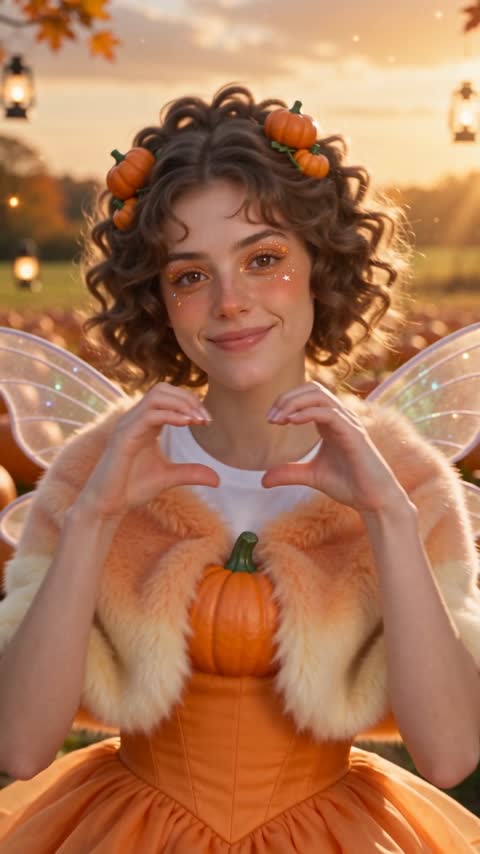
Pumpkin princess · Space explorer · Garden fairy — fixed for this page, so you never have to choose.

Look 1 · Pumpkin princessAI example

How the 10 seconds play out

0:00 · Bare face

Your real selfie, natural and makeup-free, holds for two seconds while the beat builds.

0:02 · Drop one

On the first drop you switch into look one — makeup, hair, outfit and background together.

0:05 · Drop two

Next beat, a new costume and a new scene. Same face, totally different vibe.

0:07 · Final look

The last switch lands the cutest look of the set, with a little pose to end the loop.

How to make a ai halloween trend video

No prompt writing or editing needed.

  1. 01

    Upload a bare-face selfie

    Front-facing, good light, one person. No prompt or costume choice needed — each page has its own set.

  2. 02

    Pay $6.99 once

    Secure Stripe checkout. No account, no subscription, no watermark.

  3. 03

    Download your 10-second video

    We generate three looks, cut them on the beat and give you a private download link in a few minutes.

AI Halloween Trend pricing

One video. One payment. No subscription or account.

$6.99 / video

  • One 10-second 720P video
  • Portrait 9:16
  • Beat-synced music
  • Private preview & download link
  • 7-day retention · refund if it fails
Make my ai halloween trend video

Start with your photo

Upload a photo and get a 10-second 720P video. $6.99 once, no subscription.

Want to edit it yourself or use your own prompt?

The tool above makes the finished video. For other models or edits, start with the free guides.

How to Do the AI Halloween Trend (Step by Step)

Step-by-step guide to making the bare-face-to-costume AI Halloween trend video for TikTok and Reels, with tips for selfies, looks and posting.

Read →

Halloween AI Trend Prompt: Cute Transformation Prompts

The prompt structure behind the cute Halloween AI trend: identity lock, beat-drop transformation and aesthetic tail, with examples for kitty, vampire and witch.

Read →

Is the AI Halloween Trend Free? Options Compared

What is free and what is paid when doing the AI Halloween trend: free prompt tools, editing apps, and a one-time $6.99 finished video.

Read →

Free Halloween AI Prompts

Copy-and-paste cute Halloween prompts for free AI image tools.

Open →

Cute Vampire Makeup AI Video

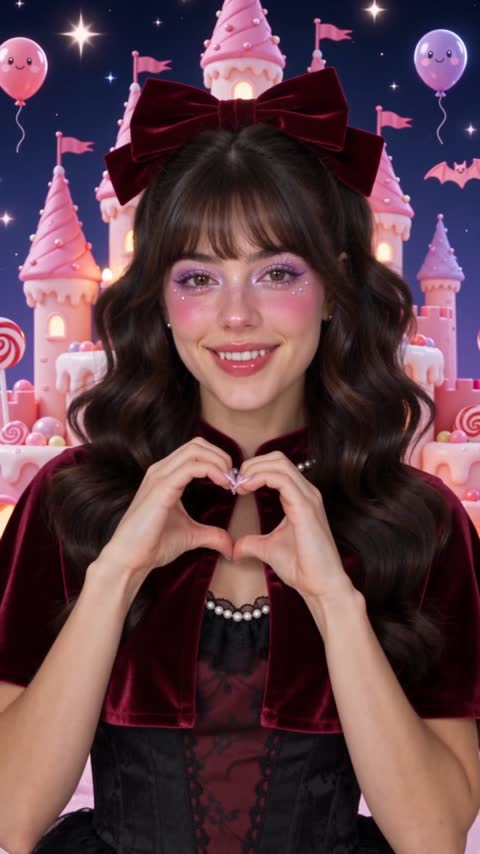
Soft fangs, berry lips and a velvet cape — upload a bare-face selfie and switch into three cute vampire looks on the beat. Pretty, never gory.

Create →

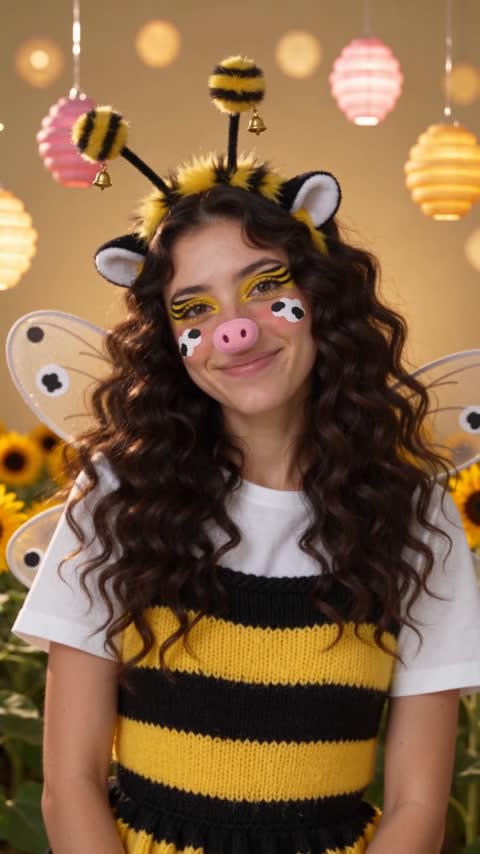
Bee & Cow Halloween Makeup AI Video

Honey-drip bee glitter, cow-spot cheeks and a sunflower fairy finale. Upload a bare-face selfie and see all three on the beat.

Create →

Cute AI Witch Filter

Lilac hats, moon glitter and potion sparkle. Upload a selfie and get a real video transformation into three dreamy witches.

Create →

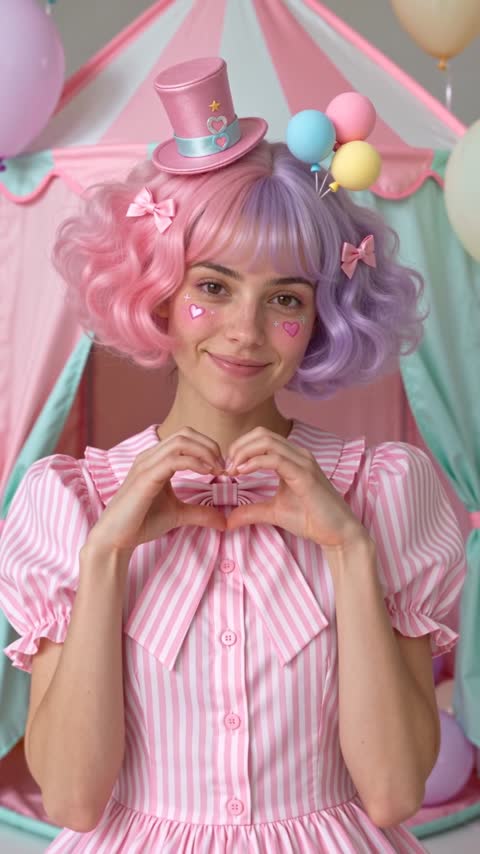
Cute AI Clown Filter

Pastel freckles, heart noses and fairy-light circus tents — the clown trend made sweet. One selfie, three looks, ten seconds.

Create →

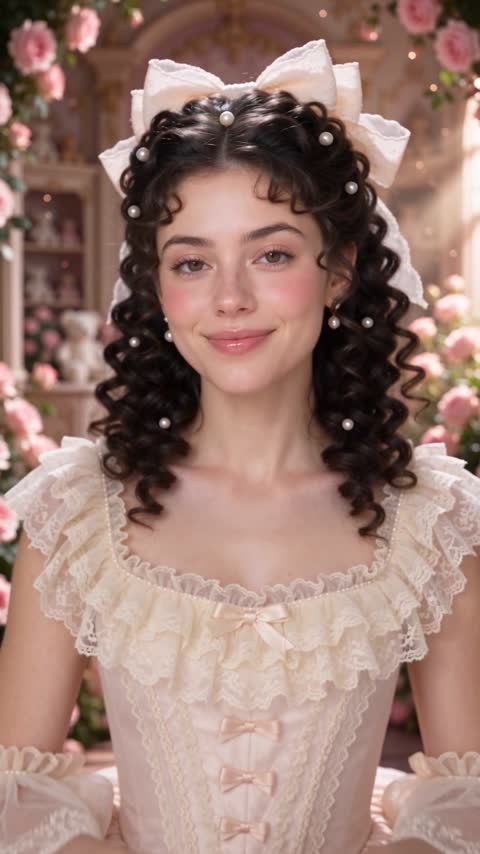
Doll Halloween Makeup AI Video

Rosy porcelain skin, ringlet curls and a music-box spin. Preview doll makeup on your own face before you buy a single product.

Create →

What is the AI Halloween trend?

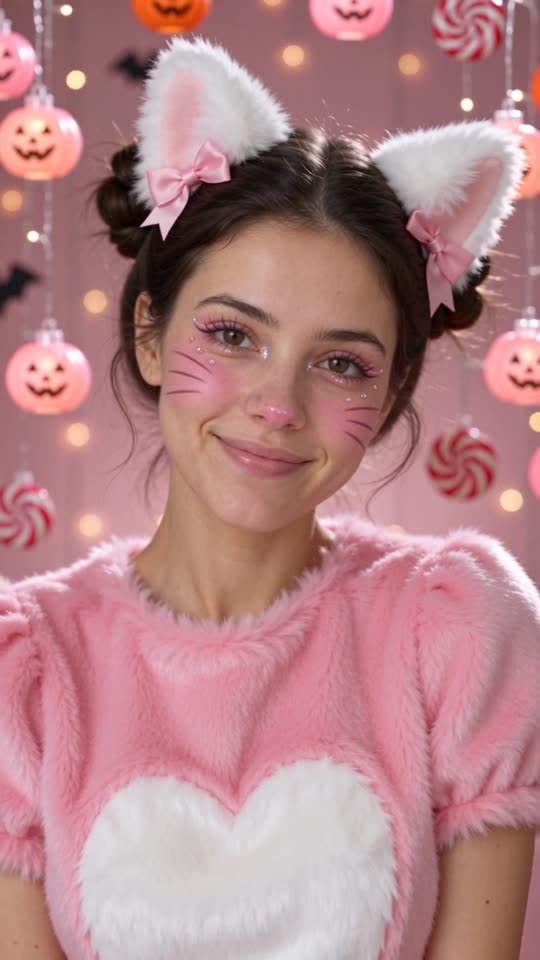
The AI Halloween trend is a short vertical video where someone starts with a bare face and then, on each beat of the music, instantly switches into a different Halloween look. Each switch changes everything at once: the makeup, the hairstyle, the outfit and even the background. Creators on TikTok, Instagram Reels and YouTube Shorts use it to preview costume ideas, show off makeup inspiration, or simply post something fun in October. Doing it by hand takes three outfits, three makeup sessions and careful editing. With AI you only need one selfie. Our version focuses on cute, aesthetic looks — soft Korean-style makeup, pastel colors and cinematic light — instead of the scary skull-and-blood versions you see elsewhere.

How our AI Halloween trend generator works

You upload one selfie. After payment, we create three separate short AI video clips from your photo, one for each look in the set, with prompts tuned to keep your face shape, eyes and skin tone consistent. Then our server trims each clip to the moment the transformation lands, places two seconds of your original bare-face photo at the start, and cuts the three looks together on the beat. The result is a ten-second 720P vertical video. You never write a prompt, never pick a model and never open an editor. Every page on this site has a fixed set of three looks: the home page is kitty, fawn and ladybug; other pages cover vampire, witch, clown, doll, bee and cow, and classic costumes.

Which selfies work best?

The best results come from a front-facing selfie with your whole face visible, even daylight, and a neutral or slightly smiling expression. Bare skin or light makeup gives the most dramatic before-and-after. Hair pulled back a little helps the AI place ears, antlers or hats. Avoid sunglasses, masks, heavy beauty filters, strong shadows, group photos and very low resolution images. Shoulders in frame are great because the outfit changes too. Please only upload photos of yourself, or of someone who has clearly agreed. We do not accept photos of children, celebrities or anyone who did not consent.

Cute, not creepy: the looks in each set

Most AI Halloween generators lean into horror. We went the other way. The default set turns you into a pink kitty with a candy backdrop, a cozy fawn in an autumn forest and a ladybug in a rose field. The cute vampire set uses berry lips and tiny fangs rather than blood. The witch set is lilac and moonlit. The clown set is pastel and friendly. The doll set is porcelain and ballerina. The bee and cow set is playful, and the costume set gives you a pumpkin princess, a space explorer and a garden fairy. Pick the page whose three looks you like and upload there.

Pricing: is the AI Halloween trend free?

Generating real video with AI models costs us money for every second, so this tool is not free. Each ten-second video is $6.99, paid once through Stripe. There is no subscription, no account and no watermark, and there is no low-quality free preview either — you get the full video you paid for. If the AI fails to make your video, we retry automatically, and if it still fails you are refunded in full. If you want to experiment for free, our Halloween AI prompts page has copy-and-paste prompts you can use in free image tools.

Posting it on TikTok, Reels and Shorts

The video is already 9:16 vertical with the cuts timed to the beat, so you can post it straight away. For more reach, add a trending sound in the app and keep the switch points aligned with the drops, write a caption like ‘which look should I wear?’ to invite comments, and use tags such as #aihalloweentrend, #halloweenmakeup and #aifilter. Pinning a comment that names the three looks also helps. Because the first two seconds show your real face, the reveal is what keeps people watching, so do not cover it with text.

Privacy and how long we keep files

Your selfie is uploaded to private, randomly named storage and used only to create your video. We never sell photos, never use them for training and never show them publicly. Uploaded photos and finished videos are deleted automatically after 7 days, so download your video soon after it is ready. Your private order page link is the only way to view the result. The AI video models we use are run by third-party providers under their own safety rules, and some providers may decline photos they cannot process — in that case we retry or refund you.

Tips for the best transformation

Use a recent photo with sharp focus on your eyes. Stand in front of a plain wall so the background change is obvious. Keep your head straight rather than tilted. If you plan to post the video, a white or neutral T-shirt makes the costume switch look more dramatic. If your first result is not perfect, try a brighter selfie on the same page; small changes in light make a big difference to how well AI keeps your likeness.
AI Halloween Trend FAQ

What is the AI Halloween trend?

A viral short video where you start with a bare face and switch into a new Halloween look on each beat — makeup, hair, outfit and background all at once.

How much does it cost?

$6.99 per 10-second video, paid once. No subscription, no account and no watermark.

Is there a free version?

There is no free video generation because every AI video costs us money. Our Halloween AI prompts page is free if you want to try prompts in other tools.

Can I choose the costumes?

Each page has a fixed set of three looks so you never have to decide. Pick the page with the set you like, such as cute vampire, witch, clown or doll.

How long does it take?

Usually 3–6 minutes. Keep your order page open or come back later through My orders on the same device.

Will it look like me?

The prompts are tuned to keep your face shape, eyes and skin tone. A clear, front-facing, well-lit selfie gives the most accurate likeness.

What if generation fails?

We retry automatically. If it still fails, you get a full refund to your card.

Can I use someone else's photo?

Only with their clear permission. Photos of children, celebrities or people who did not agree are not allowed.

Do you keep my photos?

No. Photos and videos are deleted automatically after 7 days and are never used for training.

Does the video include music?

The switches are cut on a beat. You can also add any trending sound when you post on TikTok or Reels.

Create your ai halloween trend video

Upload a photo and get a 10-second 720P video. $6.99 once, no subscription.

Create my video · $6.99